Every walkthrough,
with chapters.
6 recorded builds — screen-share, real dashboards, no slides. Each one has its own page here with timestamps, so you can jump to the step you are stuck on instead of scrubbing. They also live on our YouTube channel.
 42:55
42:55Automate iMessage with n8n: the full build
Build an n8n workflow that validates a phone number, checks iMessage, creates the lead, sends a plain-text opener, adds a voice note and routes replies.
 20:50
20:50GoHighLevel white-label install: Tuco as a Custom Conversation Provider
For agencies on white-labeled GoHighLevel: install Tuco as a Custom Conversation Provider, map it per sub-account and trigger iMessage from Workflows.
 13:43
13:43Set up Tuco with GoHighLevel: iMessage, voice notes, and SMS fallback
Connect Tuco to a GoHighLevel sub-account and build a workflow that checks iMessage, sends a plain-text opener, adds a voice note and falls back to SMS.
 10:25
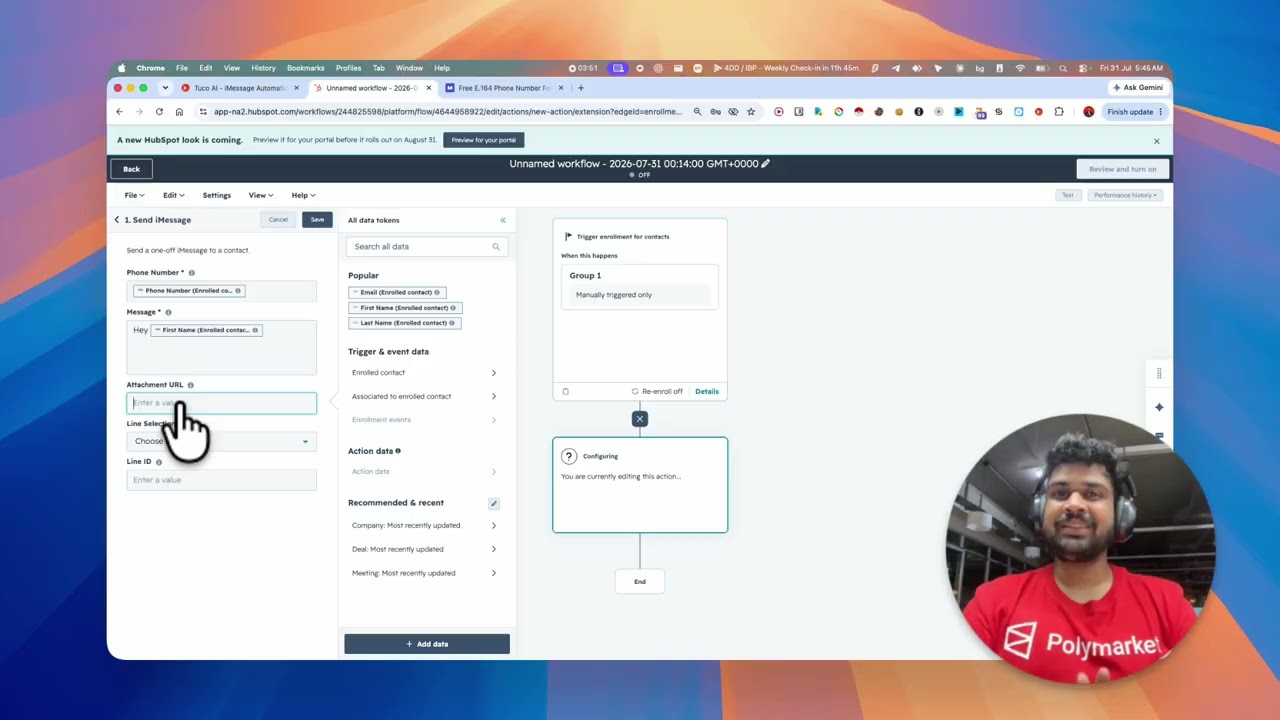
10:25Send iMessage from HubSpot workflows — and the mistakes that break it
Connect Tuco to HubSpot, add Send iMessage to a workflow and avoid the four silent mistakes: bad phone format, missing first name, attachments, duplicates.
 13:07
13:07Run a database reactivation over iMessage from GoHighLevel
Build a GoHighLevel drip that checks every contact for an iPhone and reactivates them over iMessage: trigger, pacing, branch, voice note, SMS fallback.
 2:45
2:45Keep sending when HubSpot AI credits run out
When HubSpot AI credits run out, the AI step produces no text and the send stops. Branch on the AI action's success or failure so a static text goes out.
Where to start
If you are building in GoHighLevel, start with the standard setup and then the reactivation build. If you are in HubSpot, the setup video covers the four mistakes that make a message silently not arrive. If you are wiring this yourself, the n8n walkthrough is the complete build and the template is free and ungated.
Sending limits and what Apple blocks are covered in the limits page, and the API surface behind all of this is documented for developers.